
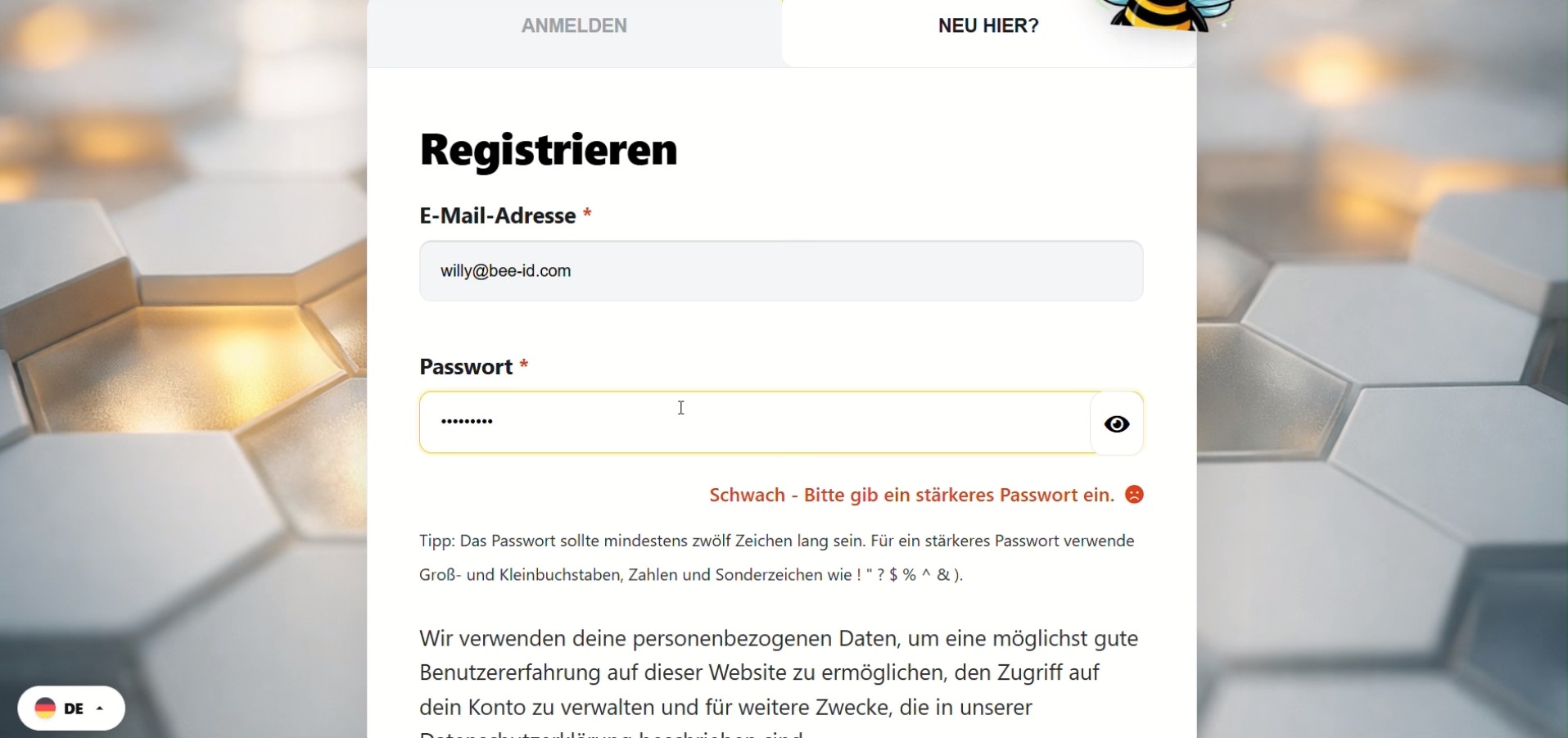
Onboarding & Registrierung
Der perfekte Start in deinen Account.
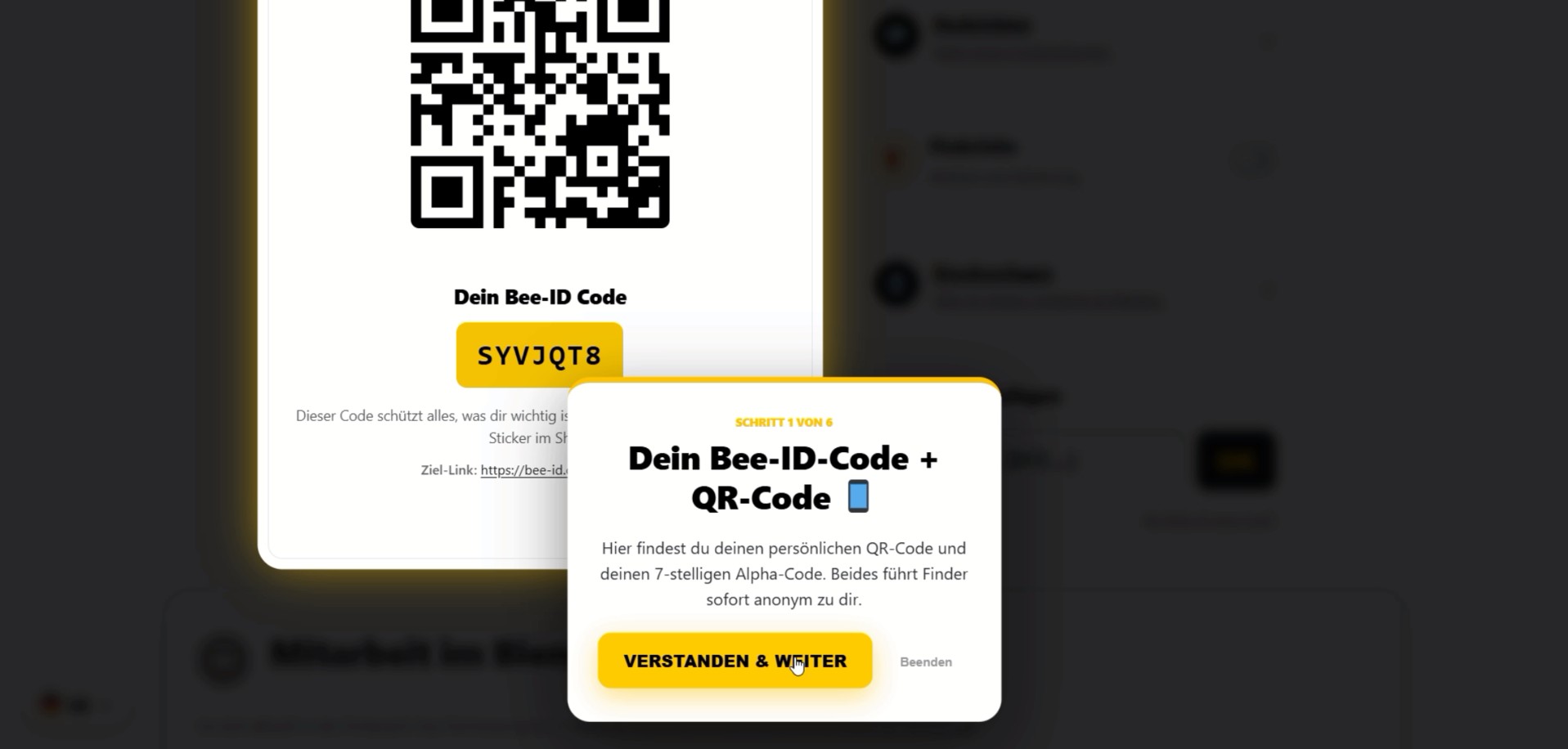
Dashboard Rundflug
Alle Funktionen auf einen Blick.
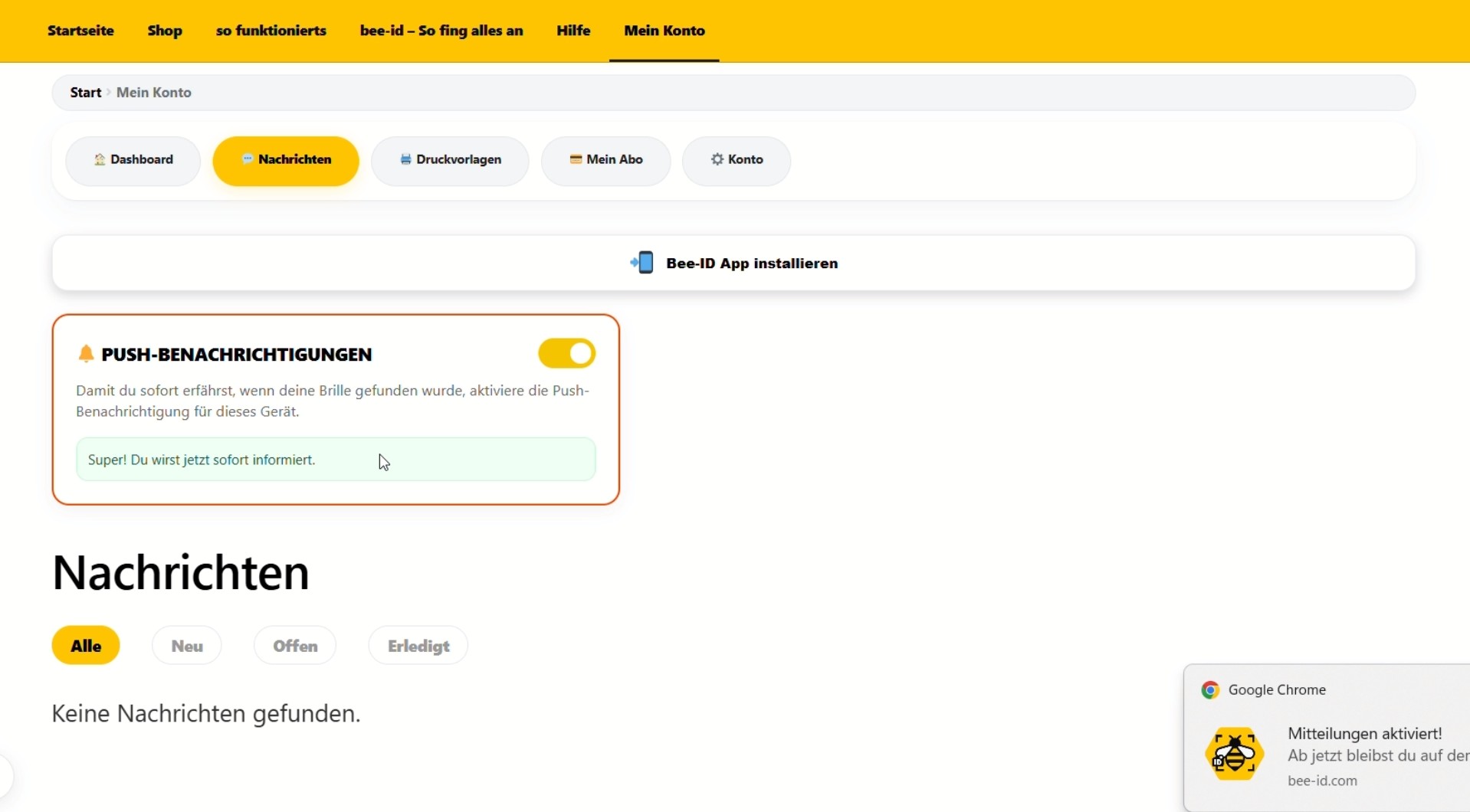
Desktop Push aktivieren
Fundmeldungen im Browser erhalten.
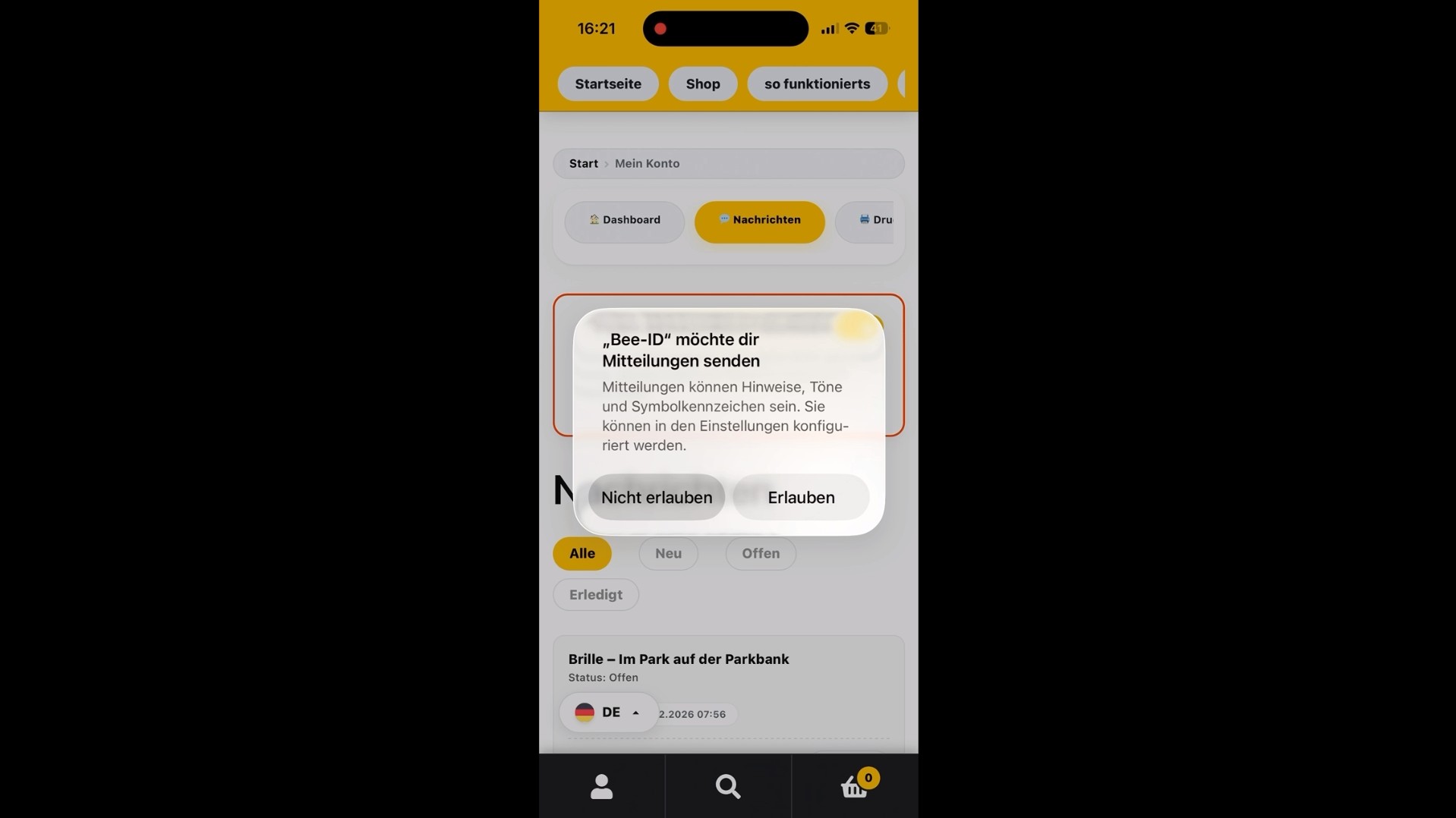
iPhone App installieren
Bee-ID auf dem Homescreen ablegen.
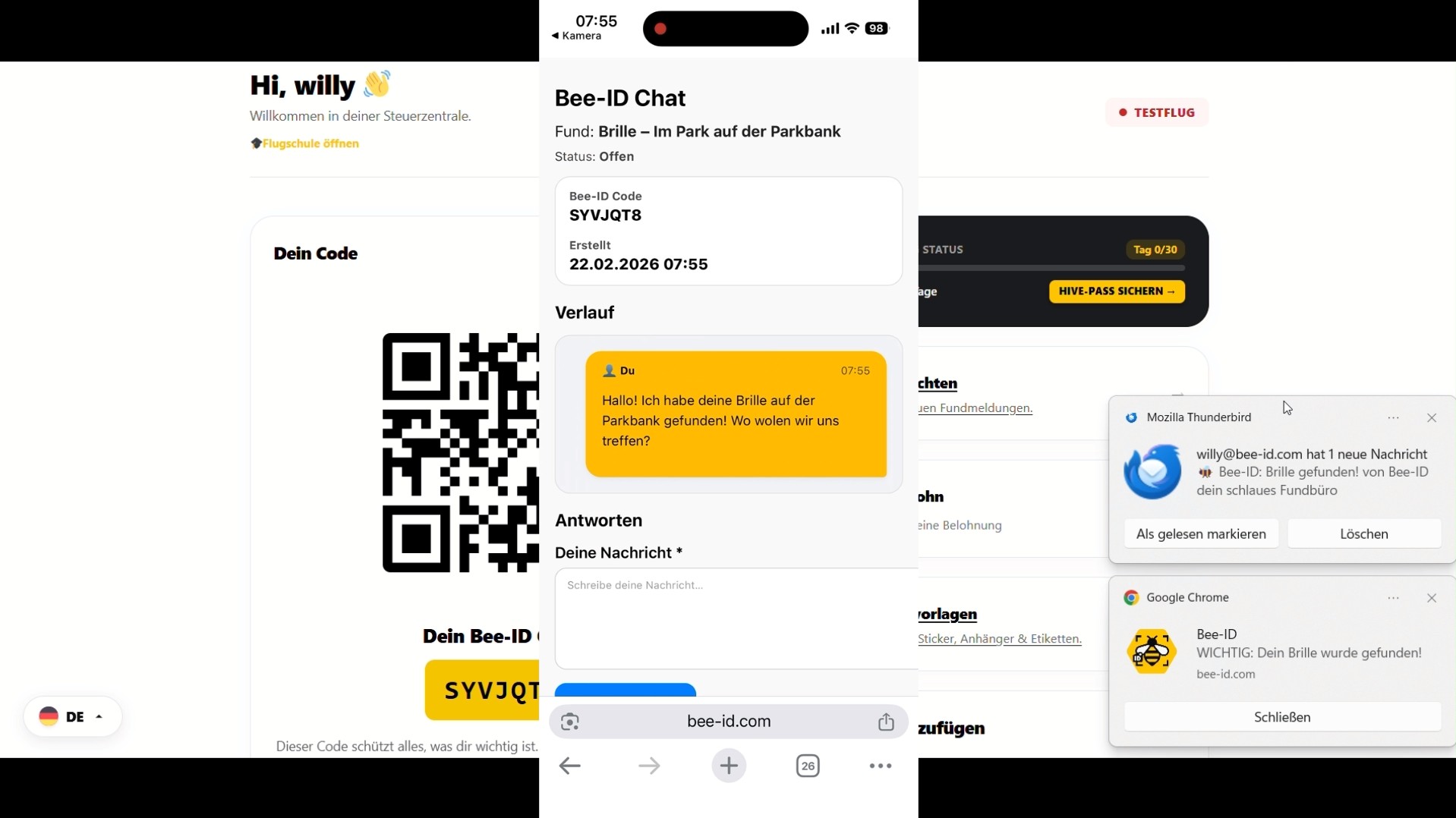
Der Ernstfall geprobt
Livechat und Finderlohn in der Praxis.
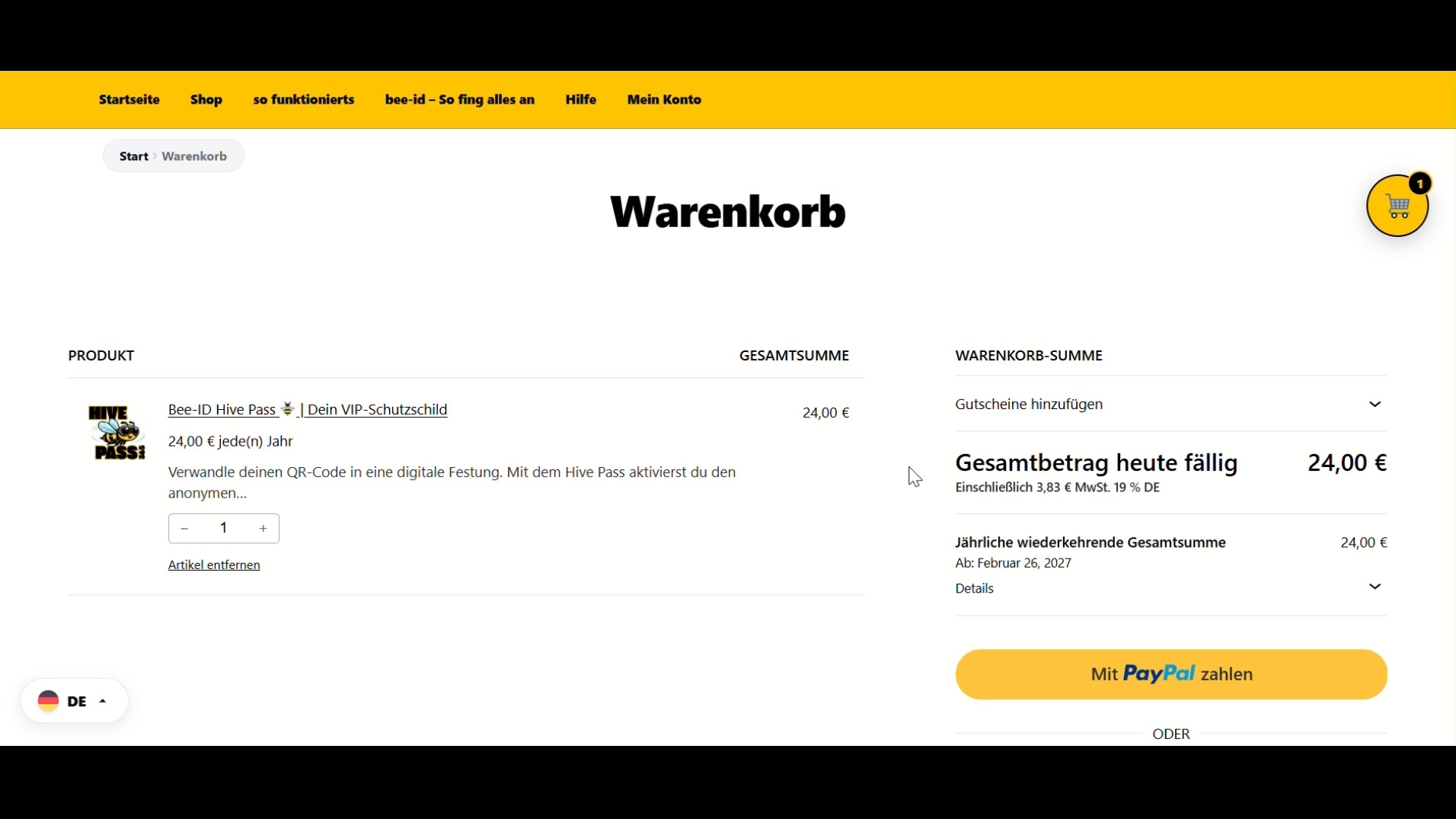
Der HIVE-PASS
Hier erfährst du wie du deinen HIVE-PASS bekommst
What is Bee-ID and how does it work?
Bee-ID ist ein smartes, QR-Code basiertes Fundsystem für deine Wertsachen.
Bringe deinen persönlichen Bee-ID QR-Code einfach an deinen Gegenständen an (z.B. Schlüssel, Koffer, Geldbeutel). Geht etwas verloren, kann der Finder den Code scannen und sofort einen anonymen Livechat mit dir starten, um die Rückgabe zu klären.
Bringe deinen persönlichen Bee-ID QR-Code einfach an deinen Gegenständen an (z.B. Schlüssel, Koffer, Geldbeutel). Geht etwas verloren, kann der Finder den Code scannen und sofort einen anonymen Livechat mit dir starten, um die Rückgabe zu klären.
Does the finder need an app to contact me?
No! That is one of our biggest advantages. The finder does not need any app and does not need to register anywhere. A simple scan with the standard camera of their smartphone is enough to open the live chat in the browser.
Am I really 100% anonymous as the owner?
Yes, at all times. Neither your name, email address, nor phone number are shown to the finder. All communication runs completely encrypted and anonymously through our live chat.
How do I activate the finder's reward?
Log in to your user dashboard. There you will find the 'Finder's Reward' tile. Simply click the switch to activate it. From now on, every finder will be signalled after scanning that honesty pays off with you. This massively increases the return rate!
What happens when my trial flight (trial month) expires?
After the 30-day trial flight expires, worldwide protection is paused. If someone then scans your code, no chat can be started. To continue protecting your items permanently, you can easily get the HIVE-PASS in your dashboard.
Do the Bee-ID stickers need a battery or Bluetooth?
No! That is our 'anti-AirTag concept'. Our codes work completely passively. You never need to charge batteries and are not limited by Bluetooth range. Bee-ID works worldwide, anywhere the finder has a smartphone.
Can I protect an unlimited number of items?
Yes! You can print and use your personal Bee-ID code or QR code as many times as you like. One account is enough for all your valuables. There are no limitations.
Where can I find my print templates?
In the dashboard you will find the 'Print Templates' tile. There you can download ready-made A4 sheets for Avery Zweckform labels, high-resolution ZIP files for online print services (e.g. for waterproof stickers) or formats for iron-on fabric labels.
How do I set up push notifications?
For this, we recommend watching our short video tutorials in the help centre. On a PC you can enable the desktop push. On iPhone, add Bee-ID via the share function ('Add to Home Screen') as an app to receive instant notifications for finds.
I bought the glasses set. How do I activate the codes?
Log in to your dashboard and find the 'Glasses Protection' tile. Simply enter the 8-digit code printed on your glasses stickers and click 'OK'. The stickers will then be immediately linked to your account.
I received a find notification. How do I respond?
Go to your dashboard and click on the 'Messages' tile. There you can see the live chat and reply to the finder directly and completely anonymously to arrange a handover location.
Someone scanned my code as a joke. What now?
This can happen sometimes. Don't worry, your data is completely safe. You can simply ignore or delete the chat history in your message centre.
How do I cancel my HIVE-PASS?
You can cancel your HIVE-PASS transparently directly in the dashboard. Scroll to the 'Your protection is active' tile, expand the 'Contract and cancellation' section and click 'CANCEL NOW'. After the minimum contract period, this is possible monthly.
Where can I change my password or email address?
Klicke in deinem Dashboard-Menü auf 'Konto & Einstellungen' und wähle dann 'Persönliche Daten'. Dort kannst du deinen Namen, deine E-Mail-Adresse und dein Passwort jederzeit anpassen.
How does the partner programme work?
As an active Bee-ID user with a HIVE-PASS, you can take part in our affiliate programme. You receive a personal referral link. For every user who signs up through it, you earn a cash commission. You can find more information in your dashboard.
Mit einem Konto geht's schneller!
Wenn du eingeloggt bist, siehst du den Status deiner Anfragen jederzeit in deinem Dashboard und kannst direkt antworten.
Du hast eine Frage zum HIVE-PASS, zu einer Bestellung oder brauchst Hilfe? Sende uns einfach eine Nachricht!